How RTX Spark Compares
RTX Spark vs Intel, AMD, Snapdragon X and Apple M-series — compare the platform and your actual workloads, not a made-up family-wide performance ranking.
Checked . We have not tested these laptops ourselves. The reported RTX Spark scores are leaks and historical samples, not a matched retail comparison.
Compare named devices, not just chips
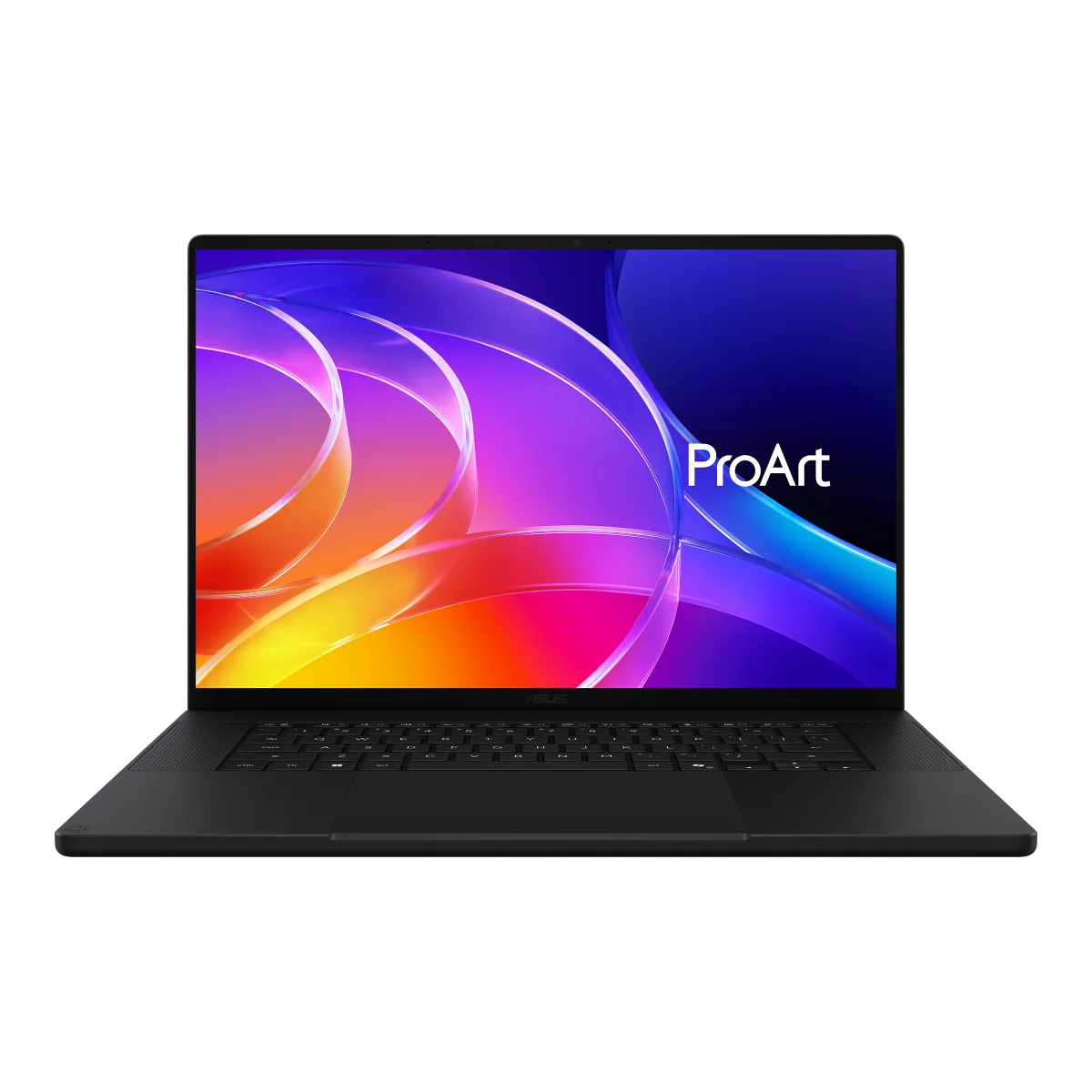
ASUS ProArt P16 (H7607) →
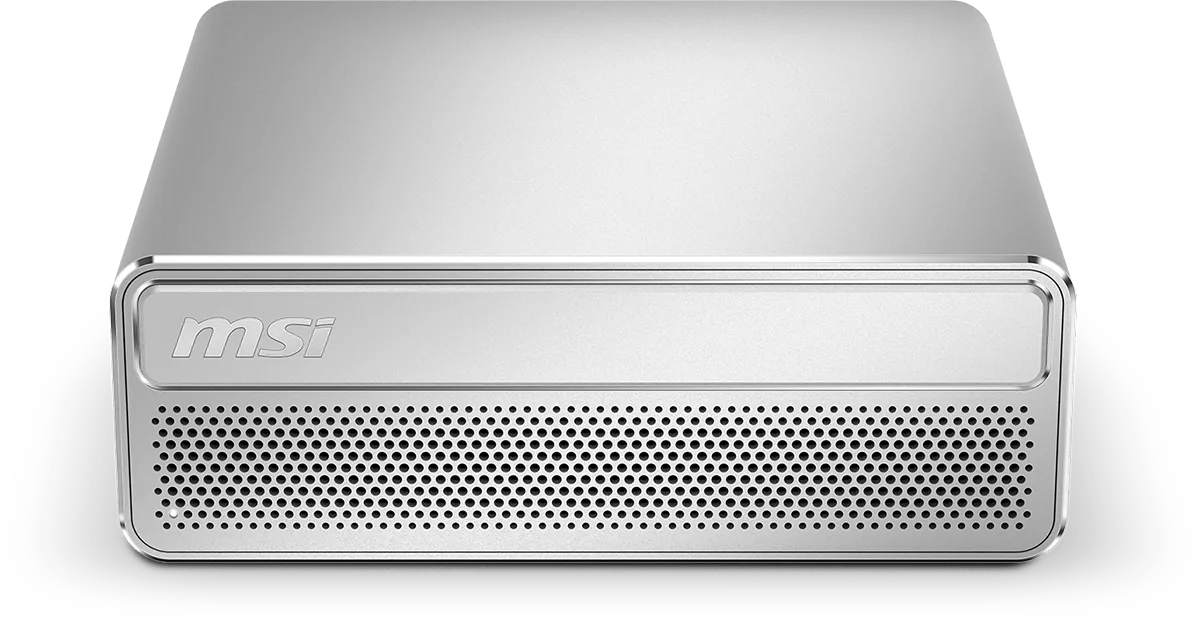
MSI EdgeMesa N AI+ →
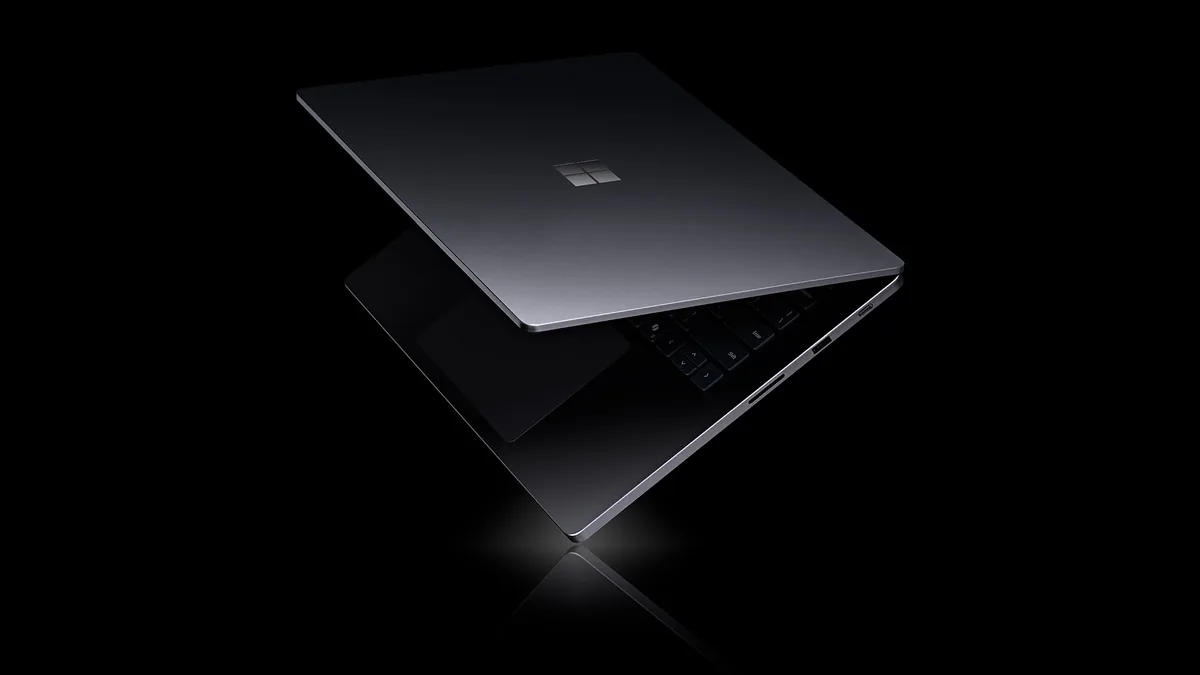
These announcement images illustrate different chassis, not measured performance. Check country-specific ordering evidence separately.
RTX Spark: Which Configuration?
| Official N1X configuration | CPU | Blackwell RTX GPU | Unified LPDDR5X | Listed TDP |
|---|---|---|---|---|
| Laptop | 20-core | 6,144 CUDA cores | Up to 128 GB | 45–80W |
| Laptop | 18-core | 5,120 CUDA cores | Up to 64 GB | 45–80W |
| Desktop | 20-core | 6,144 CUDA cores | Up to 128 GB | 140W |
Both laptop entries are named N1X in NVIDIA's official table, which lists DLSS 5 and Reflex 2. Capacity limits are not promises that every model ships with the maximum RAM; listed TDP is not whole-system power consumption.
NVIDIA calls the CPU Grace; the CPU porting guide specifies Cortex-X925 and Cortex-A725 cores (10+10 or 9+9). Arm is an instruction set, not proof of better battery life than any particular x86 or Apple laptop.
Platform Trade-offs, Not Benchmark Winners
| Platform family | What to compare | Buyer check |
|---|---|---|
| NVIDIA RTX Spark | Windows on Arm with Blackwell RTX, CUDA, DLSS 5 and Reflex 2 | Specific N1X configuration, Arm64 packages, game/anti-cheat support and measured sustained performance |
| Intel Core Ultra | Specific x86 laptop and its integrated or discrete GPU configuration | Don't treat the entire family as one GPU, NPU, memory limit or power envelope |
| AMD Ryzen AI | Specific x86 laptop, including whether it is a Ryzen AI Max configuration | Compare the actual memory allocation, graphics configuration, chassis and app backend |
| Qualcomm Snapdragon X | Specific Windows on Arm generation and SKU | Check required native apps, emulated workloads, drivers and game compatibility per device |
| Apple M-series | Specific MacBook or desktop, macOS app build and acceleration backend | Cross-OS CPU scores alone do not show CUDA-workflow compatibility or the performance of your project |
Key Takeaways
- GPU: CUDA-core counts are not interchangeable with AMD compute units, Apple GPU cores, or Intel GPU blocks. A named RTX 5070 comparison needs measured games and settings, not a count-based equivalence.
- Gaming: Separate rendered FPS from frame-generated output and input latency. Feature support does not ensure a game launches or its anti-cheat works. Use our compatibility guide.
- Efficiency: Compare runtime at matched brightness and workload, plus noise, temperatures and battery capacity. Neither an Arm CPU nor a vendor's “all-day” slogan establishes a battery-life winner.
- AI: NVIDIA advertises native CUDA and up to 1 petaflop FP4 on its product page. Do not rank that peak figure against differently defined INT8 NPU TOPS, or infer maximum LLM sizes for competitors. Measure a named model, quantization, context, backend, latency, memory and power.
Which Platform Should You Choose?
For an existing CUDA project, verify the required Arm64 toolchain and packages before assuming the NVIDIA logo is sufficient. For a Windows game library, start with the titles, launchers, peripherals and anti-cheat you need. For creative work, compare the same assets and export settings in the actual apps you use; switching OS can change plugin and codec support.
The current evidence register does not establish a universal CPU, GPU, battery-life or value winner. A useful final comparison pairs named shipping devices at disclosed prices and power modes, with repeated test runs. See reported scores and methodology, labeled review coverage, local-AI requirements, and device specifications.
Source scope: NVIDIA product specifications and CPU documentation establish RTX Spark capabilities. Competitor rows are buying-check categories, not numerical specifications or rankings for every chip in those families.